Beyond Bookkeeping: How SMB CEOs Turn QuickBooks Data into Strategic AI Intelligence
Discover how SMB leaders transform static QuickBooks accounting data into live, proactive financial intelligence and cross-departmental strategy using MyExecs.ai.
In this article
QuickBooks Online is the financial backbone for millions of small and mid-sized businesses. It tracks invoices, processes payroll, and generates balance sheets. However, for an active SMB CEO, standard financial statements present a major limitation: they look backward. A P&L report tells you what happened last month, but it rarely tells you what to do next Tuesday.
To bridge the gap between historical accounting and forward-looking strategy, CEOs traditionally had to export raw CSV files into spreadsheets or pay thousands of dollars per month for fractional CFO retainers.
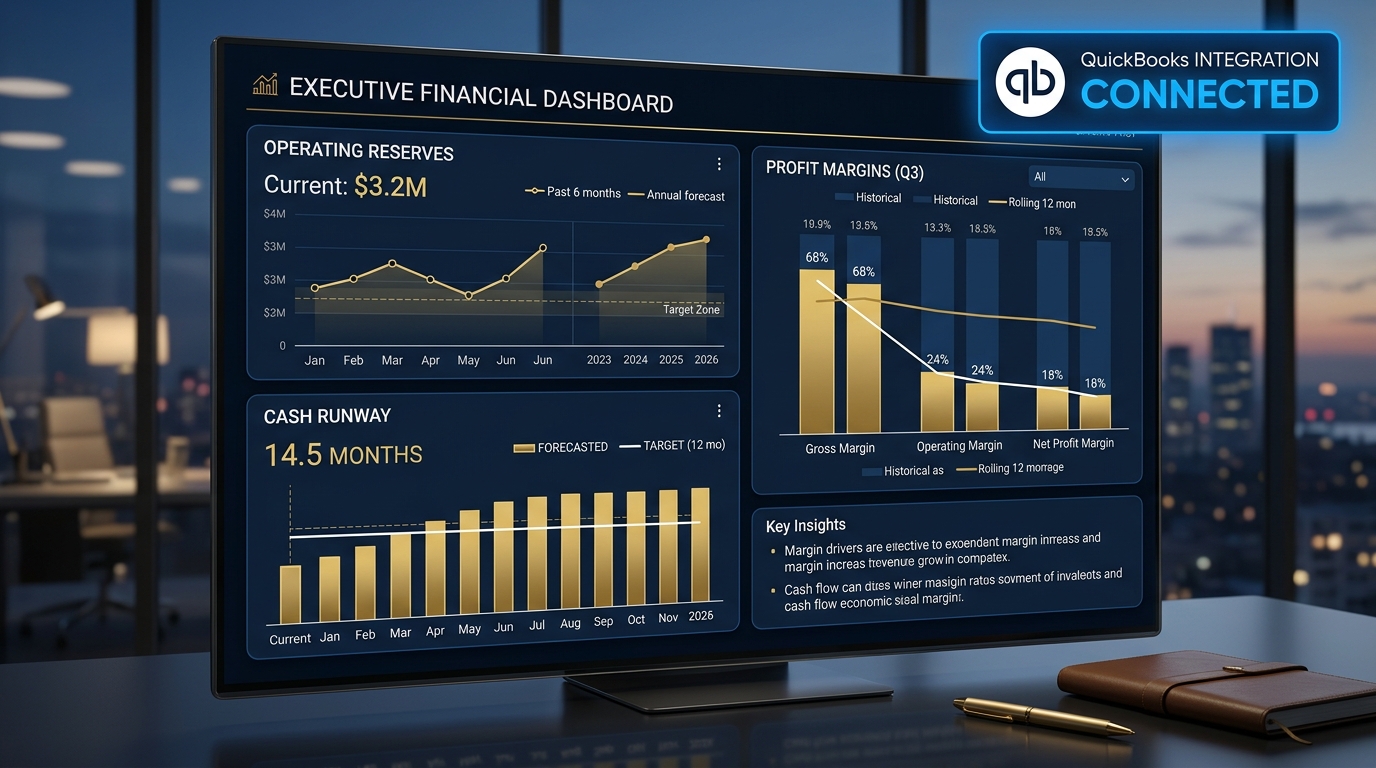
By pairing QuickBooks Online directly with MyExecs.ai, business leaders can transform static financial records into a live, proactive virtual executive team. Explore our full range of live tool connections on the MyExecs Integrations Overview. Here is a practical guide on how QuickBooks users can unlock real-time financial intelligence, safeguard profit margins, and drive strategic decision-making.
Quick Takeaway: How does MyExecs.ai enhance QuickBooks Online?
MyExecs.ai connects directly to QuickBooks Online using secured, read-only OAuth through CData. Instead of relying on manual file uploads, virtual executives like the AI CFO pull live accounting context to calculate exact operating reserves, identify margin leaks, evaluate vendor spend, and align financial targets directly with sales and marketing strategies.
The Power of Live Financial Context vs. Generic AI
Generic chat models fail at financial advisory because they lack live context. If you ask a standard AI chatbot to analyze your margins, it either gives generic advice or requires you to manually copy and paste sensitive financial spreadsheets.
MyExecs.ai approaches financial intelligence differently:
-
Secured, Read-Only Integration: Your QuickBooks data is connected securely via CData. MyExecs never sees or stores your bank passwords, and access is strictly read-only, meaning the AI can analyze records without any ability to edit or modify your books.
-
Real-Time Data Queries: When you discuss strategy in your Virtual Boardroom, your virtual CFO queries live financial data on the fly. You see updates such as "Querying QuickBooks..." in real time as calculations are verified against your live general ledger.
-
Cross-Departmental Memory: Financial metrics do not live in isolation. When your AI CFO identifies a budget opportunity, that data is shared with your AI CMO and AI CRO to align customer acquisition spend with actual cash flow.
┌─────────────────────────────────┐
│     QuickBooks Online Data      │ (Read-Only OAuth)[cite: 3, 10]
└────────────────┬────────────────┘
                 │
                 ▼
┌─────────────────────────────────┐
│        AI CFO Studio            │ (Calculates Reserves & Vendor Spend)
└────────────────┬────────────────┘
                 │
                 ▼
┌─────────────────────────────────┐
│  Multi-Executive Boardroom      │ (Aligns CFO, CMO, & CRO Strategy)
└─────────────────────────────────┘
4 Practical Workflows for QuickBooks Users on MyExecs.ai
1. Automated Cash Runway & Operating Reserve Stress Testing
Cash flow volatility is a leading cause of SMB disruption. While QuickBooks displays your current account balance, it does not automatically stress-test your runway against potential revenue delays or unexpected expenses.
-
How it works in the CFO Studio: The AI CFO analyzes your historical monthly cash burn and overhead in QuickBooks to calculate your exact operating reserve ratio.
-
Practical Prompt in Chat: "If our top account delays payment by 45 days, how does that impact our operating reserve over the next quarter?"
-
Strategic Outcome: The AI CFO calculates your updated cash buffer and provides actionable recommendations to protect working capital before a deficit occurs.
2. Vendor Spend & Overhead Audit
Over time, recurring subscriptions, software licenses, and contractor retainers accumulate quietly across your accounts.
-
How it works in the CFO Studio: The CFO Studio aggregates vendor transactions directly from QuickBooks, comparing your spend across operational categories against industry benchmark ratios.
-
Practical Prompt in Chat: "Identify our top 5 vendor spend spikes over the last 90 days and highlight any categories where overhead exceeds standard benchmarks."
-
Strategic Outcome: You receive an immediate breakdown of cost redundancies, empowering you to negotiate vendor renewals or cut unused software seats.
3. Cross-Departmental Marketing ROI & Margin Guardrails
Marketing spend should never be decoupled from gross margin. Increasing sales volume via paid acquisition is counterproductive if rising delivery costs erode profitability.
-
How it works in the Boardroom: Combine your AI CFO (connected to QuickBooks) and your AI CMO (connected to HubSpot or web analytics) in a shared Boardroom thread.
-
Practical Prompt in Boardroom: "CMO, we want to scale our primary acquisition channel by 30% next month. CFO, check our QuickBooks gross margins to tell us the maximum allowable Customer Acquisition Cost (CAC) before we hit margin compression."
-
Strategic Outcome: Your CMO and CFO collaborate in real time, setting strict acquisition guardrails that protect net profitability.
4. Revenue Target & KPI Scoreboard Alignment
Setting quarterly revenue targets in a vacuum often leads to missed projections. Connecting QuickBooks ensures your KPI Scoreboard reflects actual financial performance.
-
How it works in the KPI Scoreboard: Key metrics missing their target automatically feed into your executive team's priority recommendations.
-
Practical Prompt in Chat: "Compare our actual QuickBooks revenue YTD against our annual target, and highlight which operating levers need adjustment to stay on track."
-
Strategic Outcome: Your executives deliver customized risk alerts and recovery recommendations tailored to your actual numbers.
Step-by-Step: Connecting QuickBooks in Just a Few Clicks
Setting up your live financial connection is completely seamless and takes under two minutes.
Watch this quick video to see how easy it is to connect QuickBooks with just a few clicks:
https://www.youtube.com/watch?v=maDPs1PeStI
-
Run Your Free Domain Scan: Visit MyExecs.ai and run a 20-second domain scan to generate your company workspace and initial C-Suite alignment.
-
Navigate to Live Connections: Inside your workspace, open the Context & Integrations panel and select Live Connections.
-
Authenticate Safely: Click on QuickBooks Online. A secure pop-up window routes through CData Software, letting you log into Intuit directly without sharing passwords.
-
Unlock Real-Time Advisory: Open the CFO Studio to view updated operating reserves, category spend benchmarks, and live financial indicators. Explore other supported CRM, analytics, and accounting software on our Integrations Hub.
Transform Your Financial Data into Strategic Advantage
Accounting software tells you where your money went. Strategic intelligence tells you where your business can go. By connecting QuickBooks Online to MyExecs.ai, you gain a 24/7 financial advisor that works alongside your marketing, sales, and operations executives to protect profits and accelerate growth[cite: 6, 8, 11].
- Ready to experience live financial advisory? Start your free domain scan at MyExecs.ai today.
Get insights in your inbox
Subscribe to receive new articles from the MyExecs.ai team.